
Installing the Leadbehavior HubSpot App
Prerequisites
- A HubSpot account
- A Leadbehavior account
Installation Steps
1. Log in to Leadbehavior
Visit https://app.leadbehavior.com/login?redirect=/hubspot/install
2. Start the Installation
After logging in, you'll be redirected to the HubSpot installation page at https://app.leadbehavior.com/hubspot/install.
This page will automatically redirect you to HubSpot to authorize and install the Leadbehavior app.
3. Authorize the App
Select the HubSpot account where you want to install Leadbehavior and complete the authorization process.
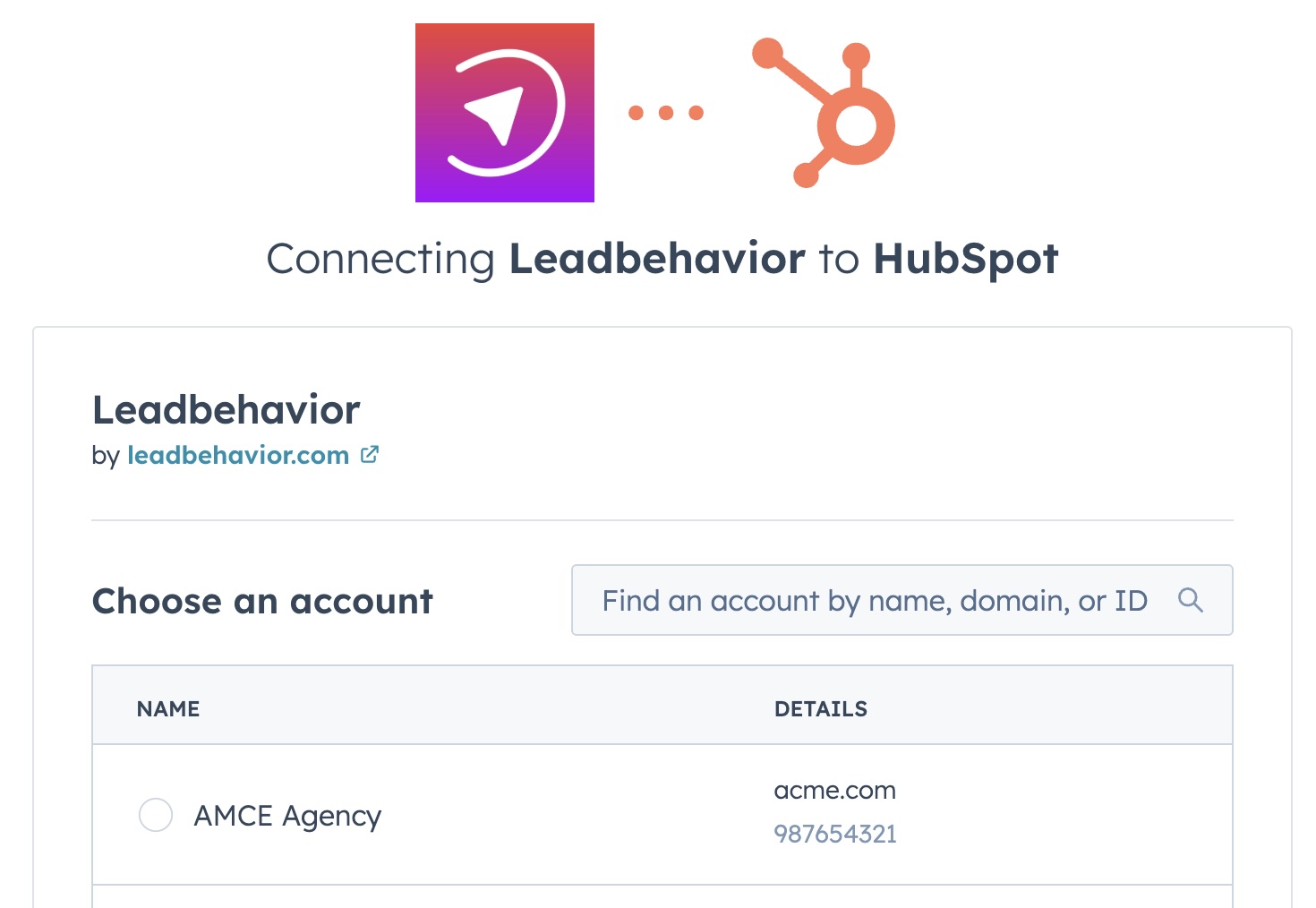
4. Verify Installation
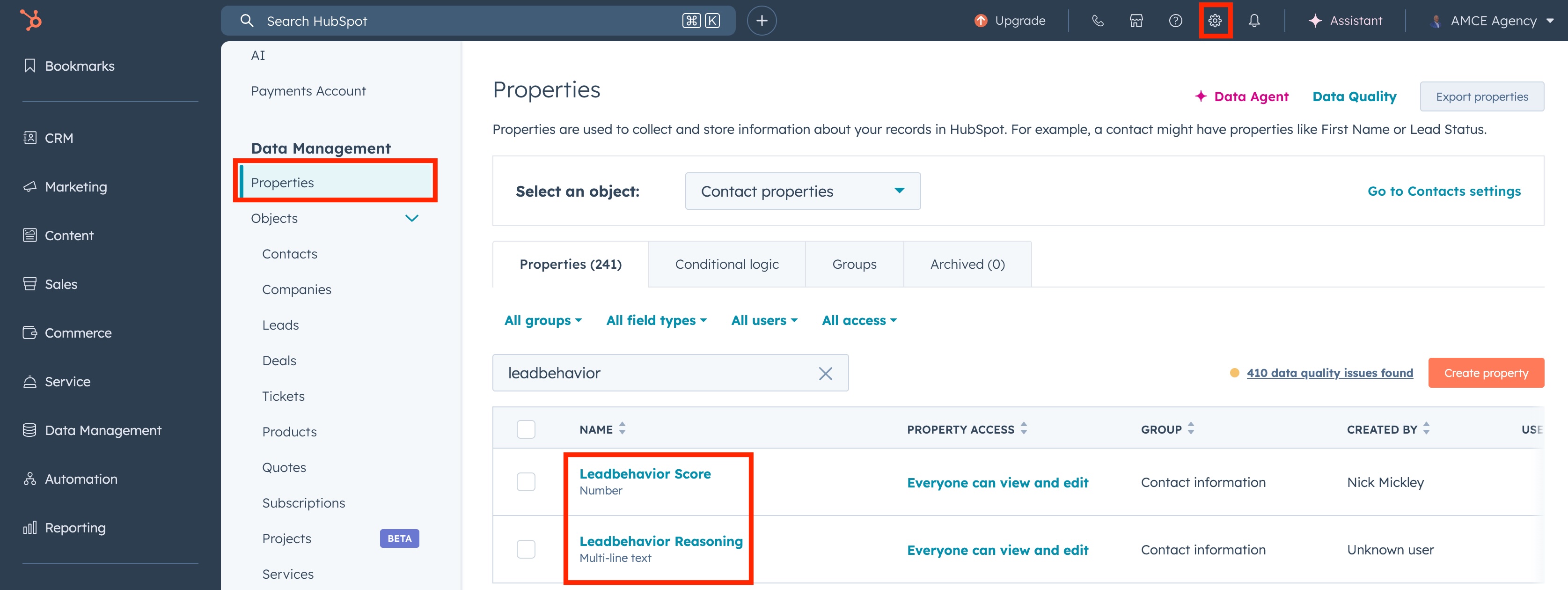
Once installed, Leadbehavior will add two custom fields to your HubSpot Contacts:
| Field | Description |
|---|---|
leadbehavior_score | The calculated lead score based on behavior analysis |
leadbehavior_reasoning | Explanation of the scoring factors |
Using the Leadbehavior HubSpot App
Setting Up a Workflow
- Navigate to Automation → Workflows in HubSpot
- Create a new workflow triggered by a (or any) Form Submission(s)
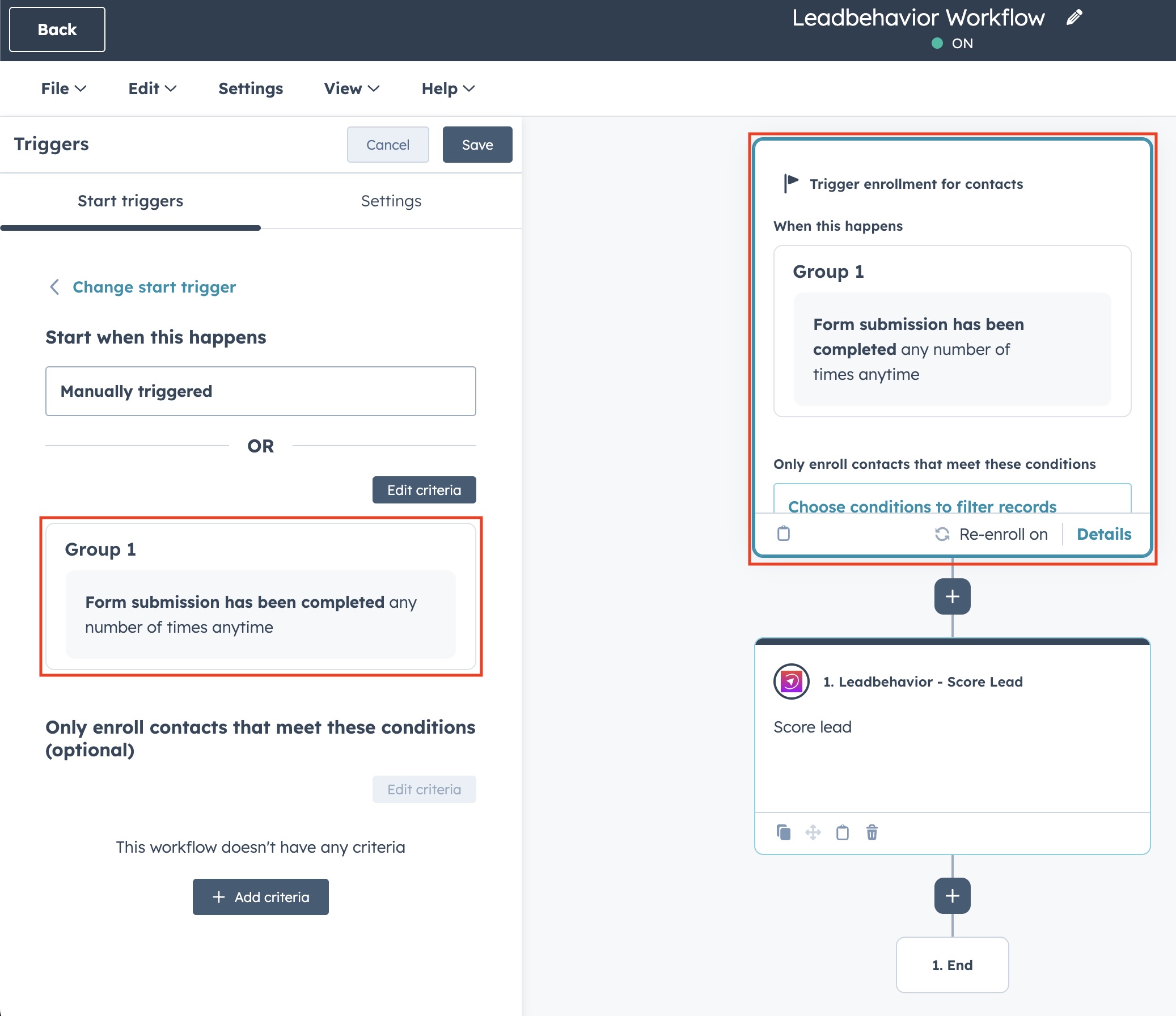
- Find and add the Leadbehavior - Score Lead action to your workflow
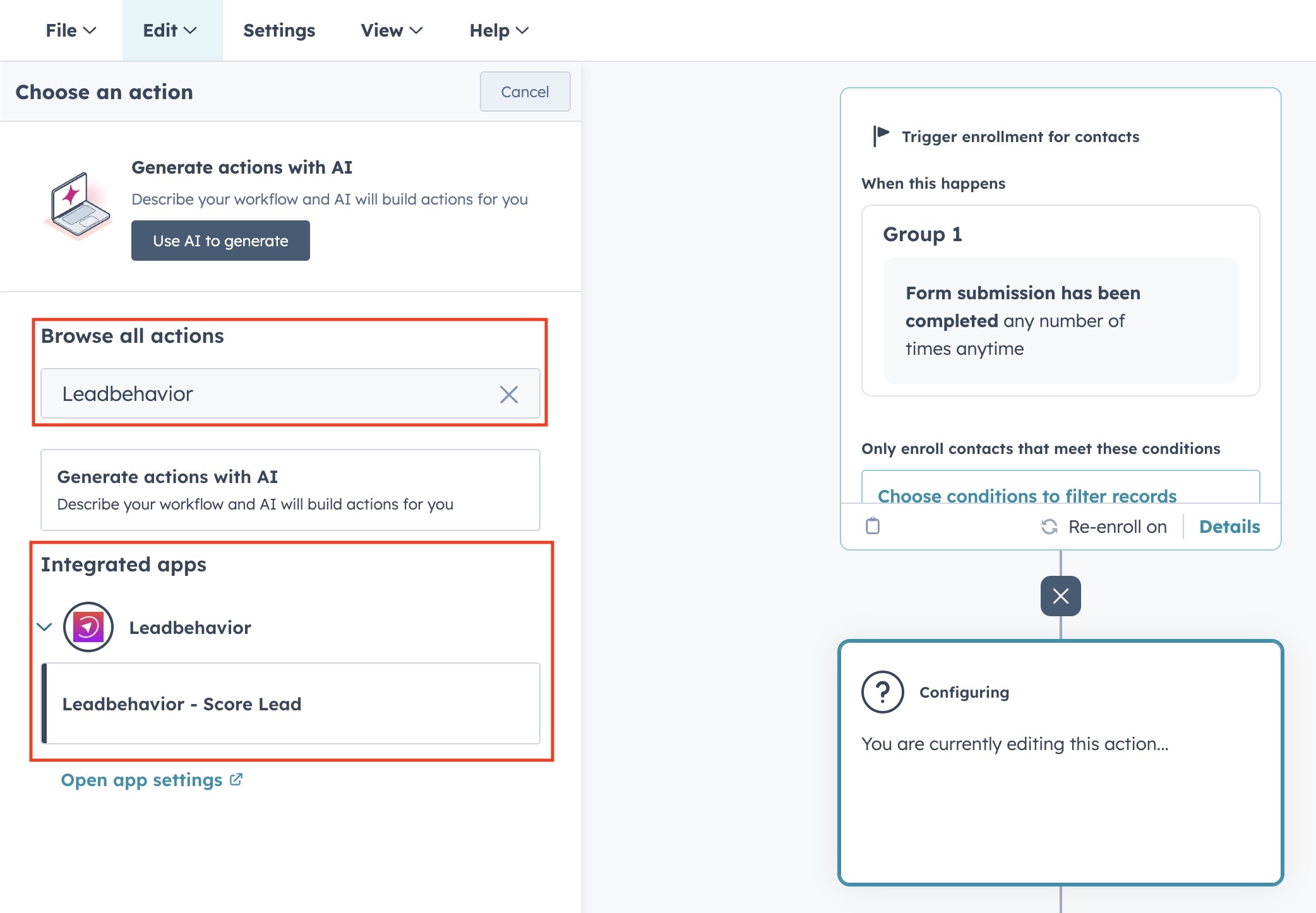
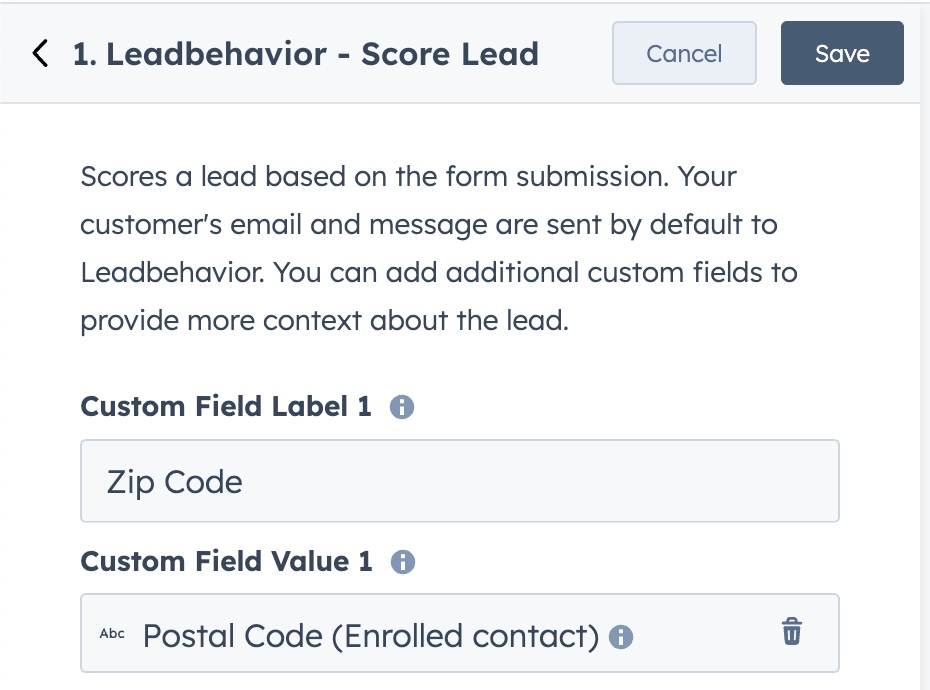
- Add specific contact fields for AI to reference (optional)
- Leadbehavior automatically collects your contact's email address and message
- You can add any additional properties here that you would like to feed to the AI for scoring. Be sure to appropriately label each field to give the value context.
- Save and activate the workflow
Testing the Integration
- Submit a test form on your website
- Check the contact record in HubSpot
- The
Leadbehavior ScoreandLeadbehavior Reasoningfields should be populated for the contact that submitted the form
TIP
You can view the scoring results directly on any contact record in HubSpot after the workflow has processed.